





Brand Design
Your email shouldn't be simplified to fit standard Mailchimp layouts or turned into large images to preserve the design. Custom HTML gives your brand more creative freedom while keeping most text and CTAs live and editable.


Custom‑coded, responsive HTML email templates built for Mailchimp and your brand. Get reliable rendering, clean code, flexible editing options, and a template ready for campaign deployment.


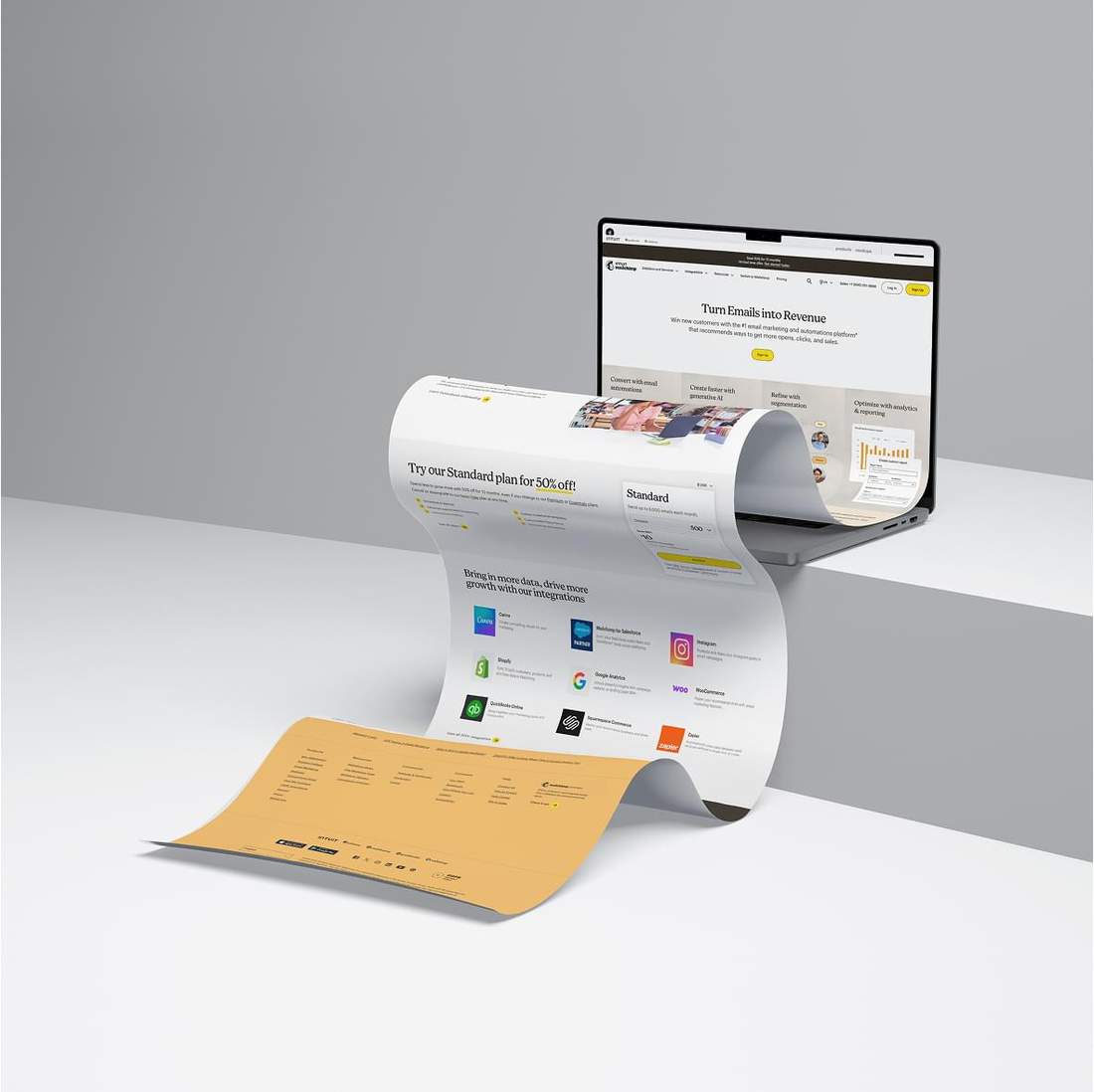
Go beyond standard Mailchimp layouts with custom-coded HTML built around your design, brand, and campaign requirements. Get greater design freedom, content editing, and reliable rendering across major inboxes.


Your approved design is hand-coded without being restricted by standard Mailchimp blocks or presets

Editable content areas let your team update text, images, links, and campaign content directly in Mailchimp

Your template is tested for reliable rendering across major email clients, devices, and screen sizes
Your Mailchimp template can be prepared for simple content updates or as a flexible modular system your team can reuse to build future campaigns.
Best for teams that want to update campaign content while keeping the approved design and structure intact.
In most cases, this level provides all the flexibility needed for day-to-day campaign updates without adding unnecessary complexity.
Designed for teams that need a modular template structure they can reuse across different campaign types.
Advanced Editing works differently from a standard template. You start with a blank email and build each campaign from reusable modules.
Your Mailchimp account must support custom-coded HTML templates.
This feature is available on Standard plans or higher.
Years of hands-on experience with Mailchimp have taught us what teams actually need from a custom email template. We know where flexibility matters, where simplicity works better, and how to build a setup that stays practical for day-to-day campaign production.
Your email shouldn't be simplified to fit standard Mailchimp layouts or turned into large images to preserve the design. Custom HTML gives your brand more creative freedom while keeping most text and CTAs live and editable.
Add the advanced features your campaign needs. Sharpen visuals with Retina Ready Images, optimize for Dark Mode, and improve Outlook rendering for more consistent results across inboxes.
We use Mailchimp's Template Language to turn custom HTML into a practical, reusable template. Editable areas and flexible content controls fit your workflow, so your team can manage campaigns without touching the code.
As email developers, we've studied how Mailchimp handles custom HTML and CSS in detail. Its custom-code workflow preserves your structure well, helping responsive layouts and custom email behavior work as intended.

A responsive email should do more than fit a smaller screen. We adapt typography, spacing, images, content order, and layout specifically for mobile, so your message stays easy to read, navigate, and act on instead of looking like a compressed desktop email.


We keep email production simple and predictable. You get a clear plan, careful execution, reliable testing, and transparent status updates. After delivery, follow-up support is available whenever your team needs it.

After you submit your order, we review your files, project requirements, and the options you selected. Once the scope is confirmed, we begin development.
We hand-code your templates with precision, then test them on real devices and with a professional email testing platform to ensure consistent rendering across major inboxes.
You receive on-brand templates built for your campaign goals. Clean code, reliable rendering, and support help your team move from delivery to launch with fewer surprises.
Extra Mile is our way of adding more value to every project. You get practical improvements and built-in support that make your email campaign easier to review, launch, and update.
See how real Mailchimp template configurations affect the final price.
Compare delivery time, responsive layout, advanced features, and included extras before building your own order.

A coding only order with a three business day turnaround, responsive layout, and retina ready images, prepared for Mailchimp. Every extra mile option is included at no additional cost.

A faster one business day turnaround with responsive layout, retina ready images, and Outlook compatibility, prepared for Mailchimp with every extra mile option included.
We prepared a clear step-by-step guide so you can get started quickly after delivery.
Once you receive your HTML email template, you will know how to import it into Mailchimp and where to find it later.
We also show you how to edit content inside Mailchimp without breaking the layout, so you can reuse the same template for future campaigns.
If you have a custom email template and want to use it in Mailchimp, follow the steps below. The process only takes a few minutes: upload a ZIP file with your HTML and images, name the template, and save it to your account. Once it is saved, you can find it anytime in Saved templates.
Log in to Mailchimp.

Once you’re logged in, go to Campaigns, then open Email templates.

On the right, click Code your own (the button with the arrow), then select Import ZIP.

After importing the ZIP file, you’ll see your email template.

In the top-left corner, click Rename to give your template a name.

In this window, don’t edit any content. Click Save and Exit in the bottom-right corner.

You are all set. You can now find your template in Saved templates.

If you have a custom email template and want to use it in Mailchimp, follow the steps below. The process only takes a few minutes: upload a ZIP file with your HTML and images, name the template, and save it to your account. Once it is saved, you can find it anytime in Saved templates.
Log in to Mailchimp.
Once you’re logged in, go to Campaigns, then open Email templates.
On the right, click Code your own (the button with the arrow), then select Import ZIP.
After importing the ZIP file, you’ll see your email template.
In the top-left corner, click Rename to give your template a name.
In this window, don’t edit any content. Click Save and Exit in the bottom-right corner.
You are all set. You can now find your template in Saved templates.
If you have a custom email template and want to use it in Mailchimp, follow the steps below. The process only takes a few minutes: upload a ZIP file with your HTML and images, name the template, and save it to your account. Once it is saved, you can find it anytime in Saved templates.
Log in to Mailchimp.
Once you’re logged in, go to Campaigns, then open Email templates.
On the right, click Code your own (the button with the arrow), then select Import ZIP.
After importing the ZIP file, you’ll see your email template.
In the top-left corner, click Rename to give your template a name.
In this window, don’t edit any content. Click Save and Exit in the bottom-right corner.
You are all set. You can now find your template in Saved templates.

A Formula 1 car is made up of around 16,000 parts, with thousands of engineering decisions working together as one system. Performance rarely comes from a single component, but from how every element works with the others.
Our Approach: We build custom Mailchimp templates the same way. Design, responsive behavior, editable content, email-client compatibility, and advanced features are engineered to work together, not treated as separate add-ons.
Have questions about your Mailchimp email template?
Browse the FAQ for clear answers on editing, reuse, rendering, account setup, and what to expect after delivery.
We first hand-code your email as a standalone HTML file. Then we optimize it for Mailchimp by adding the required Template Language attributes, including mc:edit, mc:label, mc:repeatable, mc:hideable, and mc:variant, based on your selected editing setup, along with any required merge tags and footer elements. Finally, we import the template into Mailchimp, verify that content editing works correctly, and send a test campaign to confirm the final email renders as expected.
You don’t need any HTML knowledge for day-to-day content edits. The interface is simple and user-friendly, with WYSIWYG-style editing that lets you update content visually. It differs slightly from Mailchimp’s standard drag-and-drop editor, but remains straightforward and easy to use.
Yes. Your custom Mailchimp template can be reused for future campaigns, which is one of its biggest advantages. That said, some of our clients prefer to send us a new email design, as it can be simpler and more reliable than making the updates themselves, saving their team time and reducing the risk of human error during manual updates.
Yes. Every template is tested across major email clients and devices, including Outlook, Gmail, Apple Mail, and mobile environments. We account for the differences between email clients during development and adjust the code where needed to keep the layout, content, and key visual elements as consistent as possible.
Yes. We can import the finished template into your Mailchimp account at no additional cost. We’ll need temporary access to your account to complete the setup. If you prefer to handle it yourself, you can follow the step-by-step guide on this page.
Tell us what you have and what you need. We'll help shape your order so you can move forward with confidence.




