




Table-based structure with inline CSS for consistent rendering.
Design to Email Template Services
Send us your finished email design in Figma, PSD, or a similar format, and we'll turn it into a hand‑coded, inbox‑ready HTML email template. Every template is built with table‑based coding, carefully tested, and prepared for your ESP.
-
Responsive Email

-
Outlook Compatibility

-
Complex Designs Ready


- 品質
- 効率
- 成長

Hand‑Coded ・ Pixel‑Perfect ・ On‑Time Delivery
Reliable Email Template Production
Inbox‑proven rendering, ESP‑ready structure, and code that stays easy to support and update.
These are the standards and capabilities we bring to every email template.
-

Hand‑Coded HTML
Uses clean, readable HTML with inline styles for easy maintenance and fast updates
-

Email Coding Standard
Keeps code consistent, reduces rework, and makes launches predictable
-

Brand Email Design
Brings your brand into email with consistent structure, typography, and visual style
-

Outlook Compatibility
Outlook rendering optimized for Windows clients using the Microsoft Word engine
-

Responsive Email
Uses media queries to adapt your layout for comfortable mobile reading
-

ESP Optimization
Prepares templates for smooth import, safe editing, and reliable sending in your ESP
-

Table‑Based Structure
Table-based layout improves consistency across inboxes, especially in Outlook
-

Pixel‑Perfect Coding
Converts your design into an HTML email template that matches it pixel-for-pixel
-

W3C Validation
Validates HTML against W3C rules for clean, standards-compliant markup
-

Retina Ready Images
Supports high-resolution images for crisp visuals on Retina and mobile displays
-

Dark Mode
Reviews dark mode rendering and optimizes for clarity where each email client allows
-

Custom Solutions
Finds reliable workarounds for tricky layouts and strict limitations


Email HTML Code
Email remains one of the most effective channels for brand communication. Strong campaigns rely on specialists who understand email design, HTML, and inbox limitations. Below are the technical standards behind the production-ready email HTML we build.

Code Explanation ^^
This email HTML code sample demonstrates a classic table-based layout with inline CSS styling. Each table row defines a content block with responsive padding classes for mobile optimization.
Media queries for responsive layout control on mobile devices.
Outlook-specific fixes for common display and layout issues.
Retina-ready images for crisp visuals on high-resolution screens.
Clean, readable code for easier review and future updates.


Quick Answers
Why is email HTML coded differently from a regular web page?
Email HTML is coded differently because email clients support HTML and CSS much more narrowly than modern web browsers. To keep the layout stable, templates rely on table‑based structure, inline CSS, and client‑specific techniques, especially for Outlook. This approach makes the final template more reliable across major email clients and devices while keeping the code clean and easier to maintain.
Will the email template code be clean and easy to update later?
Yes. We build email templates with clean, readable HTML and inline CSS, so the code stays easier to review, support, and update over time. We also keep the HTML formatting organized, making it easier to read the code later and separate structure from content. As a free option, we can include short HTML comments to label the main parts of the template and key content elements, making future updates easier to manage.
Do you follow email coding standards and validate the HTML?
Yes. Our team follows internal email coding standards to keep the HTML consistent, readable, and reliable across projects. This helps maintain a predictable level of quality, reduce rework, and make future updates easier to manage. After coding, we validate the finished markup with the W3C Validator to catch structural issues and help keep the code clean and standards‑compliant.
Truly Responsive Email Templates
A responsive email should do more than fit a smaller screen. We adapt typography, spacing, images, content order, and layout specifically for mobile, so your message stays easy to read, navigate, and act on instead of looking like a compressed desktop email.


Pixel Perfect by Default
Pixel perfect precision is our standard.
Every template is built to match your original design,
so what you approve is what your audience sees.

Email Template QA
After coding, a QA specialist validates each template against your requirements. We test with real devices and a professional email testing platform across major inboxes, including key Outlook versions. Pixel-perfect coding is the standard, not an extra.
-
Outlook ClassicOutlook 2024Windows 11
-
Outlook ClassicOutlook 2024Windows - Dark
-
Outlook ClassicOutlook 2024Windows - 120 DPI
-
Outlook ClassicOutlook 2021Windows
-
Outlook ClassicOutlook 2021Windows - 120 DPI
-
Outlook ClassicOutlook 2021Windows - 150 DPI
-
Outlook ClassicOutlook 2021Windows - Dark
-
Outlook ClassicOutlook 2019Windows
-
Outlook ClassicOutlook 2019Windows - 120 DPI
-
Outlook ClassicOffice 365Windows 11
-
Outlook ClassicOffice 365Windows
-
Outlook ClassicOffice 365Windows - Dark
-
Outlook ClassicOffice 365Windows - 120 DPI - Dark
-
Outlook ClassicOffice 365Windows - 120 DPI
-
Outlook ClassicOutlook 2016 pro plusWindows
-
Outlook ClassicWin 11 MailWindows
-
Outlook ClassicWin 11 MailWindows - Dark
-
Outlook ClassicWin 10 MailWindows
-
Outlook ClassicOutlook 2013Windows
-
Outlook ClassicOutlook 2013Windows - 120 DPI
-
Outlook ClassicOutlook 2010Windows
-
Outlook ClassicOutlook 2007Windows
-
OutlookOffice 365macOS - Ventura
-
OutlookOffice 365macOS - Ventura - Dark
-
OutlookOutlook 2016macOS - Ventura
-
Apple MailApple SummarizemacOS
-
Apple MailMailmacOS - Sequoia
-
Apple MailMailmacOS - Sequoia - Dark
-
Apple MailMailmacOS - Sonoma - Dark
-
Apple MailMailmacOS - Sonoma
-
Apple MailMailmacOS - Ventura
-
Apple MailMailmacOS - Ventura - Dark
-
Apple MailMailmacOS - Monterey - Dark
-
Apple MailMailmacOS - Monterey
-
Apple MailMailmacOS - Big Sur
-
Apple MailMailmacOS - Big Sur - Dark
-
Mozilla ThunderbirdThunderbird v140Windows - Dark
-
Mozilla ThunderbirdThunderbird v140Windows
-
Mozilla ThunderbirdThunderbird 115Windows
-
Apple Mail AppiPhone 16iOS 18
-
Apple Mail AppiPhone 16 PlusiOS 18
-
Apple Mail AppiPhone 16 Pro MaxiOS 18 - Dark
-
Apple Mail AppiPad 11iOS 18
-
Apple Mail AppiPhone 15iOS 17
-
Apple Mail AppiPhone 13 miniiOS 17
-
Apple Mail AppiPhone 15 ProiOS 17 - Dark
-
Apple Mail AppiPhone 15 Pro MaxiOS 17
-
Apple Mail AppiPhone 14iOS 16
-
Apple Mail AppiPhone 14iOS 16 - Dark
-
Apple Mail AppiPhone 14 PlusiOS 16
-
Apple Mail AppiPhone 14 Pro MaxiOS 16
-
Apple Mail AppiPhone 13 Pro MaxiOS 15
-
Apple Mail AppiPhone 13iOS 15
-
Apple Mail AppiPad Pro 12.9-iniOS 15
-
Apple Mail AppiPad Air (4th gen)iOS 15
-
Apple Mail AppiPhone 12 Pro MaxiOS 14
-
Apple Mail AppiPhone 12 ProiOS 14
-
Apple Mail AppiPhone 12 miniiOS 14
-
Apple Mail AppiPhone XRiOS 14
-
Apple Mail AppiPhone 11 Pro MaxiOS 13
-
Apple Mail AppiPhone 11 ProiOS 13
-
Apple Mail AppiPhone 11iOS 13
-
Apple Mail AppiPad miniiOS 13
-
Apple Mail AppiPad Air 3iOS 13
-
Apple Mail AppiPhone XS MaxiOS 13
-
Apple Mail AppiPhone XSiOS 13
-
Apple Mail AppiPad Pro 10.5-iniOS 13
-
Apple Mail AppiPad Pro 12.9-iniOS 13
-
Apple Mail AppiPhone 8iOS 13
-
Apple Mail AppiPhone 7iOS 11
-
Apple Mail AppiPhone 7 PlusiOS 11
-
Apple Mail AppiPhone 6iOS 11
-
Gmail AppiPhone 12 PlusiOS 15
-
Gmail AppiPhone 12 miniiOS 15
-
Gmail AppiPhone 14iOS 16
-
Gmail AppiPhone 14 PlusiOS - Dark
-
Gmail AppiPhone 14 ProiOS
-
Gmail AppiPad Pro 12.9-iniOS
-
Gmail AppiPhone 11iOS 13
-
Gmail AppiPhone XSiOS 13
-
Outlook AppiPhone 14iOS
-
Outlook AppiPhone 14 PlusiOS - Dark
-
Outlook AppiPhone 11iOS
-
Outlook AppiPhone 8iOS - Dark
-
Yahoo AppiPhone 14iOS 16
-
Yahoo AppiPhone 14 ProiOS - Dark
-
Yahoo AppiPhone 14 PlusiOS - Dark
-
Yahoo AppiPad Pro 12.9-iniOS
-
Gmail AppAndroid 14Android - Pixel 7 Pro
-
Gmail AppAndroid 14Android - Pixel 8
-
Gmail AppAndroid 13Android - Pixel 6
-
Gmail AppAndroid 13Android
-
Gmail AppAndroid 13Android - Dark
-
Gmail AppAndroid 12Android - Dark
-
Gmail AppAndroid 12Android
-
Gmail AppAndroid 11Android
-
Gmail AppAndroid 11Android - Pixel 4
-
Gmail AppAndroid 11Android - Pixel 4 XL
-
Gmail AppAndroid 10Android
-
Gmail AppAndroid 10Android - Dark
-
Gmail AppAndroid 9Android
-
Gmail AppAndroid 7Android
-
Gmail AppAndroid 6Android - Mail imap
-
Outlook AppAndroid 13Android - Pixel 6
-
Outlook AppAndroid 11Android
-
Outlook AppAndroid 11Android - Dark
-
Yahoo AppAndroid 13Android - Pixel 6
-
Yahoo AppAndroid 14Android - Pixel 7 Pro - Dark
-
GmailChromeBrowser
-
GmailFirefoxBrowser
-
GmailSafariBrowser
-
GmailG SuiteBrowser
-
GmailEdgeBrowser
-
Outlook.comChromeBrowser
-
Outlook.comFirefoxBrowser
-
Outlook.comSafariBrowser
-
Outlook.comChromeBrowser - Dark
-
Outlook.comEdgeBrowser
-
Outlook.comOffice 365Browser
-
YahooChromeBrowser
-
YahooEdge DBrowser
-
YahooFirefoxBrowser
-
YahooSafariBrowser
-
AOL MailChromeBrowser
-
AOL MailFirefoxBrowser
-
T-online.deChromeBrowser
-
T-online.deFirefoxBrowser
-
Web.deFirefoxBrowser
-
GMX.deChromeBrowser
-
Freenet.deChromeBrowser
-
Proton MailChromeBrowser
-
RoundcubeChromeBrowser
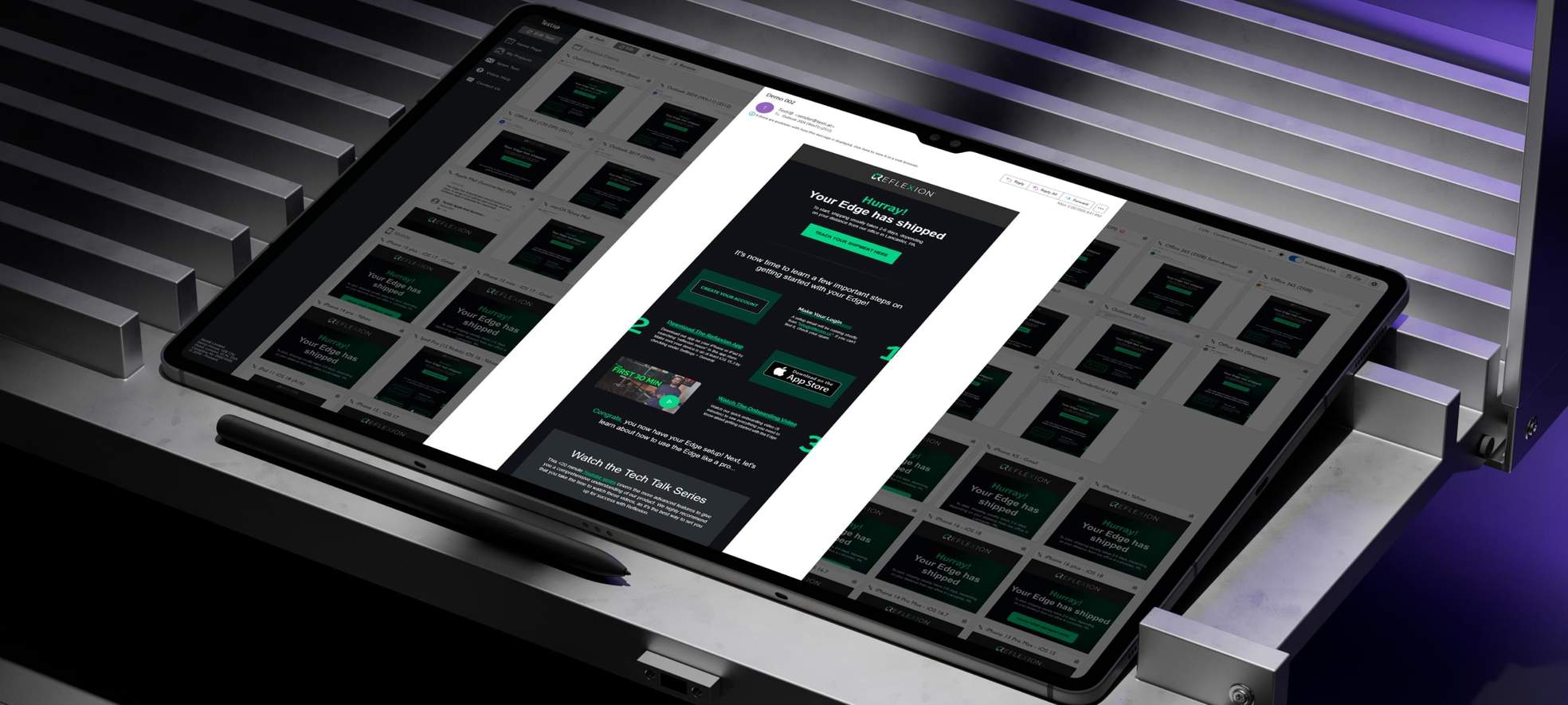
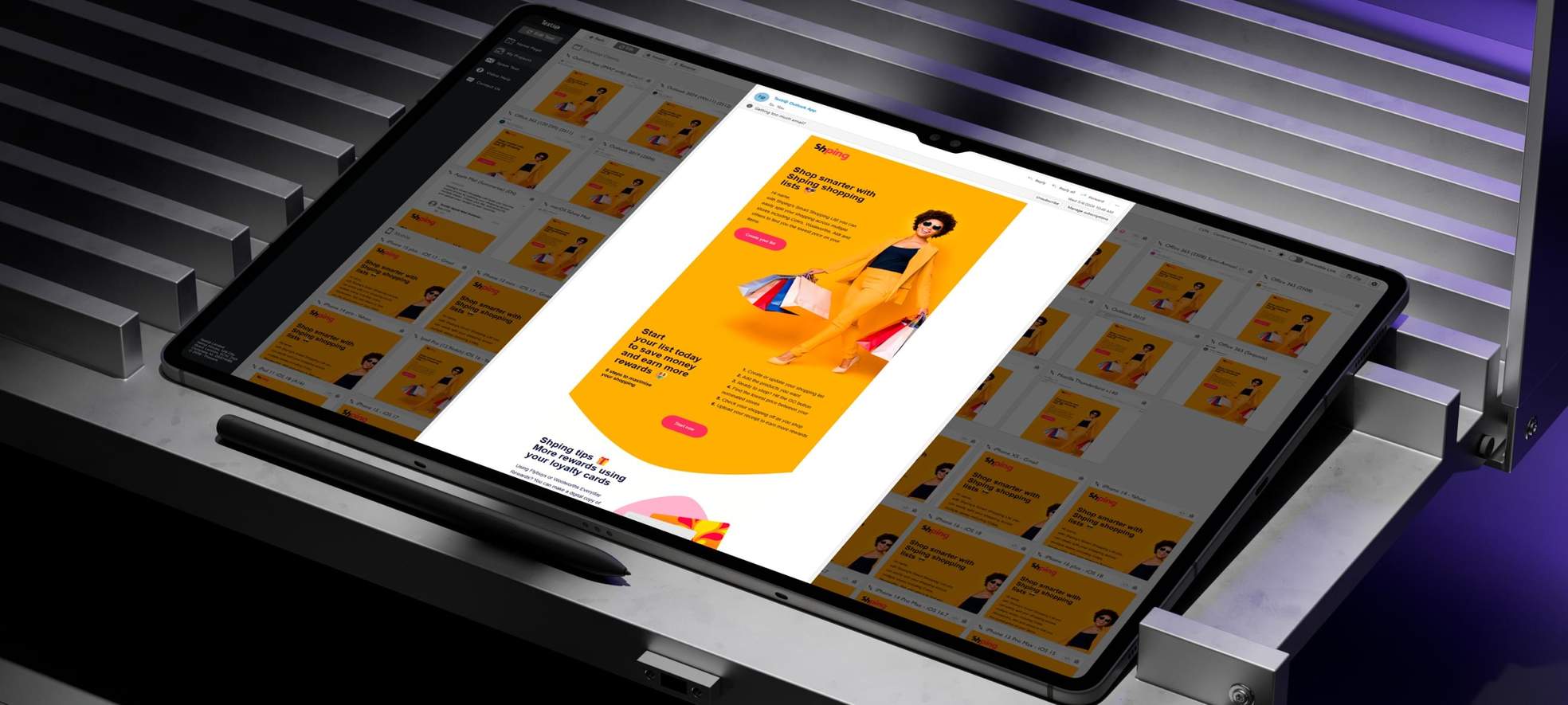
QA is built into our process to ensure reliable rendering across email clients.
Real device testing helps us review templates as users actually see them.
Mobile testing covers a wide range of inboxes across Android and iOS.
Desktop testing covers Outlook and email apps on Windows and macOS.
Webmail testing covers Gmail, Outlook, Yahoo, AOL, and other webmail clients.

Quick Answers
Who reviews the email template before delivery?
In practice, the template goes through two checks. First, the email developer reviews the template during the coding process to catch structural and visual issues early. After that, the project is handed over to a QA specialist, who checks the final rendering and verifies that the template matches the agreed requirements. This two‑step approach helps improve the quality and reliability of the finished email template.
Do you test on real devices or only with testing tools?
We use both. Real device testing lets us review templates as users actually see them, while professional email testing tools expand coverage across a wider range of inbox environments. For live checks, we use iOS and Android smartphones and tablets, along with macOS and Windows computers set up with real email accounts. Together, this gives us a more reliable view of rendering and helps us catch important issues before delivery.
Which email clients and devices are included in your QA process?
Our QA process covers desktop, mobile, and webmail environments because email templates can behave differently in each one. This includes key Outlook versions on Windows, email apps on macOS, mobile inboxes on iOS and Android, and major webmail clients such as Gmail, Outlook, Yahoo, AOL, and others. This broader coverage helps us check the template in the inbox conditions your audience is more likely to use before delivery.
We Convert Any Design File
Figma, PSD, PNG, XD, PDF, and more.
Send your file and we will convert your design into a clean HTML email template.
Marketing and transactional emails stay on brand wherever they are opened.
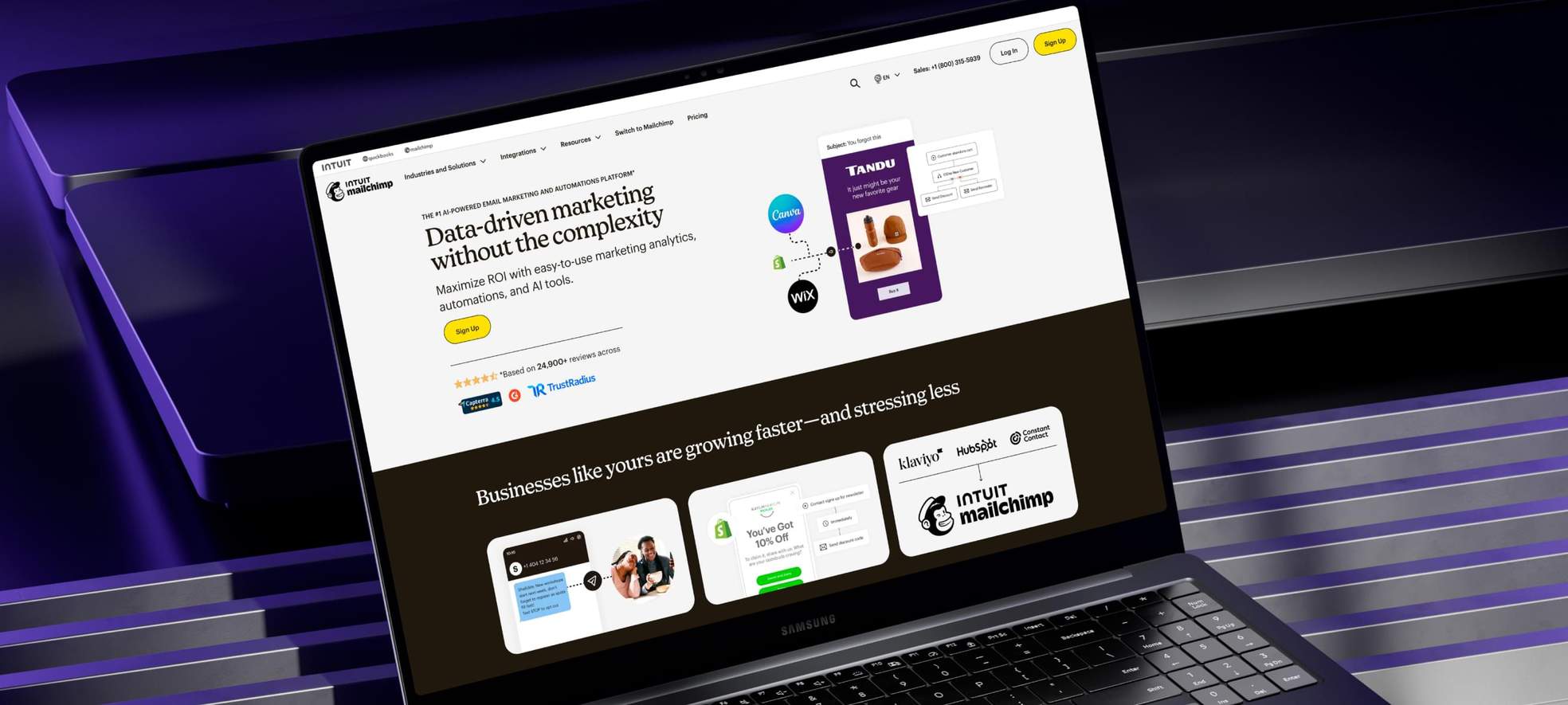
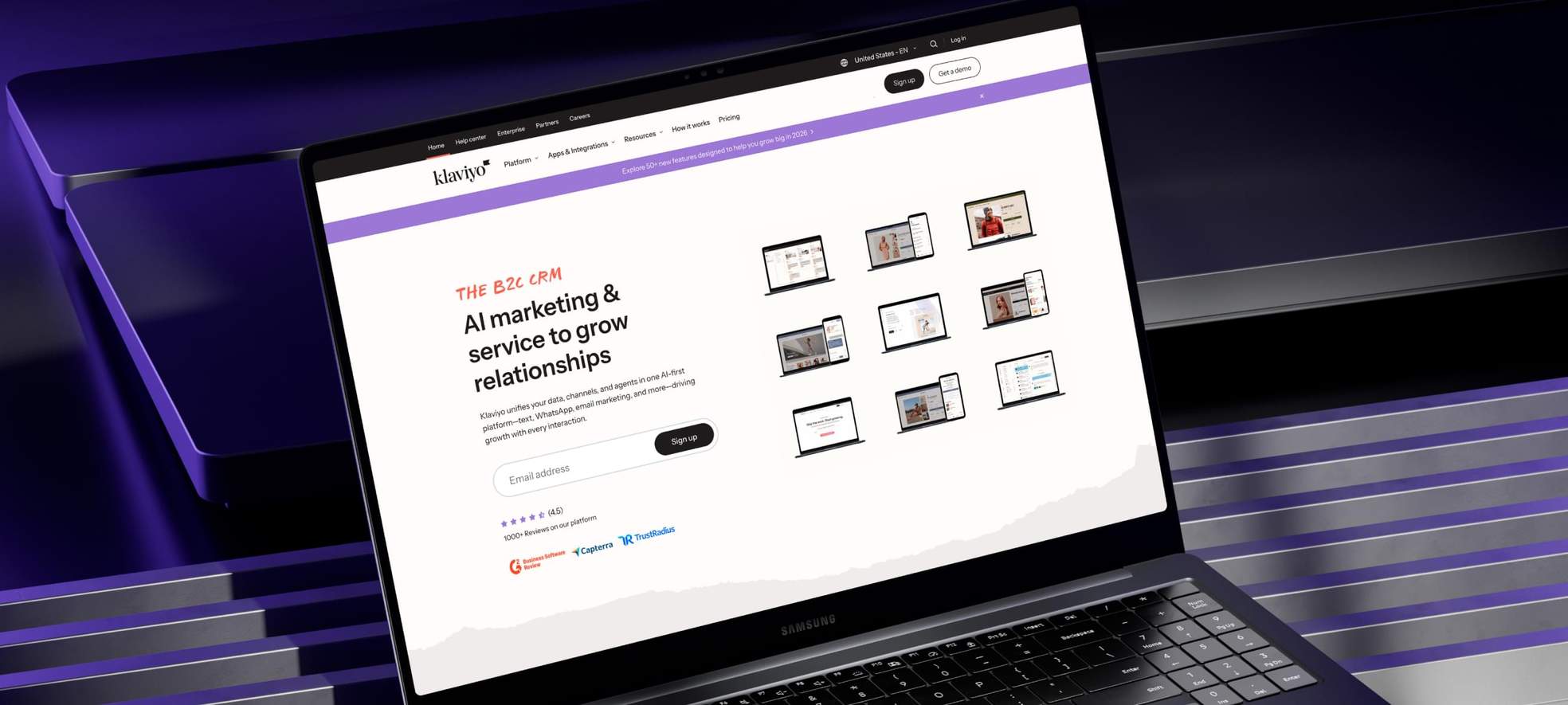
ESP Optimization
We can optimize your template for the ESP you use. We adapt the HTML for clean import and flexible editing, so your team can update content within the platform's capabilities. The result is a template that stays manageable, flexible, and ready for reliable sending.
-
MailChimp

-
Campaign Monitor

-
Pardot

-
SendGrid

-
HubSpot

-
Marketo

-
Klaviyo

-
CleverReach

-
ActiveCampaign

-
GetResponse

-
DealCloud

-
Constant Contact

-
iContact

-
Symplify

-
StampReady

-
Cvent

-
VerticalResponse

-
Acoustic

-
Selzy

-
MailerLite

-
Other ESPs

Bring complex email designs to life without builder limitations.
Turn your email template into a reusable tool for future campaigns.
You can choose basic content editing for text and images.
You can choose advanced editing to add, move, or remove sections.
Templates can also be adapted for other ESPs not listed here.

Quick Answers
What is included in ESP optimization?
ESP optimization means adapting the HTML email template to the platform where you plan to send it. Different ESPs have different requirements for custom templates, and we reflect those requirements in the code so the template imports cleanly, supports the available level of editing, and works reliably inside your sending workflow. Depending on the platform, this can include basic content editing or more advanced editing, such as adding, moving, or removing sections.
Do you build emails inside ESP builders?
Our service is focused on hand‑coded email templates built by email developers using clean HTML and inline CSS. We do not create emails inside standard ESP builders or take responsibility for the code they generate, because builder code can be overly heavy and may limit control over a custom email design. Hand coding gives you a cleaner structure, more accurate design reproduction, and a more reliable result across inboxes.
Can you adapt the template for an ESP not listed here?
Yes. We can often adapt the template for other ESPs as well. If your platform is not shown in this section, we review its template requirements and adjust the code accordingly so the template can work more reliably inside that ESP. Our email coding standard is also designed to stay broadly compatible across many email clients and ESPs, which makes this kind of adaptation more practical.
White Label Ready
White label email development, built for agencies.
Fast turnaround, consistent quality, and client ready delivery.
Your brand stays front and center on every project.
How We Work
We keep email production simple and predictable. You get a clear process, careful execution, reliable testing, and transparent updates from start to finish. After delivery, follow up support stays available when needed.

-
01
Discovery and Order
Place Your Order
Get an instant quote on the Order Now page. The built-in price calculator updates automatically as you select turnaround, layout type, and add-ons. Upload your design file, add notes, and submit when ready.Confirm the Details
After you submit your order, we review your files and selections to confirm scope and requirements. We then ask for your approval to begin development. Turnaround time begins once you approve the start. -
02
Coding and QA
Template Development
Your project is assigned to a dedicated email developer who starts coding the template based on the options you selected. We follow a coding standard with hand‑coded HTML and inline CSS for clean, reliable output.Quality Assurance
After coding, a dedicated QA specialist tests the template against the agreed requirements. We use real devices and a professional testing platform to validate rendering across major inboxes. -
03
Delivery and Support
Receive the Source Package
We deliver the finished email template as a zip package with the HTML file and images. If you have questions or need minor tweaks, we can handle them quickly and keep handoff smooth.Optional Integration with Your Email Platform
If you selected the ESP Optimization add-on, we can help install your email template in Mailchimp, Pardot, or similar platforms. We either add it for you or provide clear setup instructions for your team or your client.

Frequently Asked Questions
Have questions before turning your design into an HTML email template?
Browse the FAQ for clear answers on design file formats, pixel‑perfect coding, responsive mobile adaptation, Outlook compatibility, ESP preparation, inbox testing, and final delivery.
What is included when you convert my design into an email template?
Our design to email template service turns your finished design file into a hand‑coded, inbox‑ready HTML email template built with table‑based HTML and inline CSS. We test the template across major email clients and devices, prepare optimized images, and organize the final files for a smooth handoff. Depending on your order, this may also include responsive mobile adaptation, Outlook Compatibility, Retina Ready Images, Dark Mode review, ESP preparation, and support for complex layouts.
Which design file format should I send for the best result?
You can send your email design in Figma, PSD, XD, PDF, PNG, or another common design format. Figma is usually the most efficient option because it makes layout details, spacing, and assets easier to review. For the most accurate coding, a final layered source file is preferred. If you only have a flat file or preview, we can still review it and confirm what is possible before development starts. For Retina Ready Images, it is best when assets can be exported at 2x size for crisp rendering on high‑density screens.
How closely will the coded email match my original design?
We code every email to match your original design as closely as possible. Pixel‑perfect precision is our standard, with careful attention to layout, spacing, typography, and overall visual consistency. When small adjustments are needed because of email client limitations, especially in Outlook or on mobile, we handle them carefully to preserve the intended look and keep the result as close to your design as possible.
Can you make my email template responsive for mobile devices?
Yes. We can make your email template responsive using media queries and mobile‑specific layout adjustments. The mobile version is built around the details of your design and your requirements, not treated as a simplified fallback. This gives you a more polished and flexible result than a template built in a standard ESP builder, where responsive control is often more limited.
How do you make the template compatible with Outlook?
If Outlook compatibility is important for your project, we build the template with that requirement in mind from the start. We use table‑based structure, inline CSS, and Outlook‑specific techniques to work around the limitations of the Microsoft Word rendering engine used in Windows Outlook. Each template is then tested across key Outlook versions to catch layout and display issues early and keep the final result as consistent as possible.
Can you code custom email designs that go beyond ESP builder limits?
Yes. Our team can code complex email designs and custom layouts that go beyond what standard ESP builders usually allow. We convert detailed designs into a reliable HTML email template while preserving structure, visual hierarchy, and brand consistency. If some elements need adjustment because of email client limitations, we handle that carefully and choose the most reliable solution for the inbox environment.
What if part of my design is not fully supported by email clients?
We review it carefully and look for the most reliable way to preserve the intended result. In some cases, a close alternative can be created using proven email coding techniques. When a direct match is not possible, we flag it before coding starts and explain what can be achieved reliably in email. We then adjust the implementation to keep the email visually strong, functional, and as close to your design as possible.
Do you test my email template across major email clients and devices?
Yes. Testing is a core part of our service, not an afterthought. Each template is checked across major email clients and devices using real devices and professional email testing tools, including desktop, mobile, webmail, and key Outlook versions. This broader QA process gives us a clearer view of how the email will appear in real inbox conditions and helps us deliver a more reliable final result.
Can I order a clean HTML email template without ESP‑specific code?
Yes. If you do not need the template prepared for a specific ESP, we can deliver it as clean, compact HTML with inline CSS and no platform‑specific tags or markup. This gives you a more universal version of the email template that is suitable for many email clients and can be used as a flexible source file. If you choose an ESP later, we can review the template and adapt it to that platform’s import and editing requirements if needed.
What happens after I submit my request?
After the order is submitted, we review the design file, selected options, and project notes to confirm the scope and requirements. Once you approve the start, the template is assigned to a dedicated email developer for coding, followed by QA testing against the agreed requirements. After delivery, you receive the final HTML file and images, and follow‑up support remains available if minor adjustments are needed.

Ready to Talk About Your Project?
Tell us what you have and what you need. We'll help shape your order so you can move forward with confidence.

