



Made for Your ESP
Every ESP has its own capabilities and limitations. HTML email templates built with these in mind work smoothly within your chosen platform, helping you get the most out of its available features.


We hand‑code HTML email templates tailored to your chosen platform, taking its requirements and capabilities into account. Each template is carefully prepared for reliable rendering across major email clients and compatibility with your ESP.


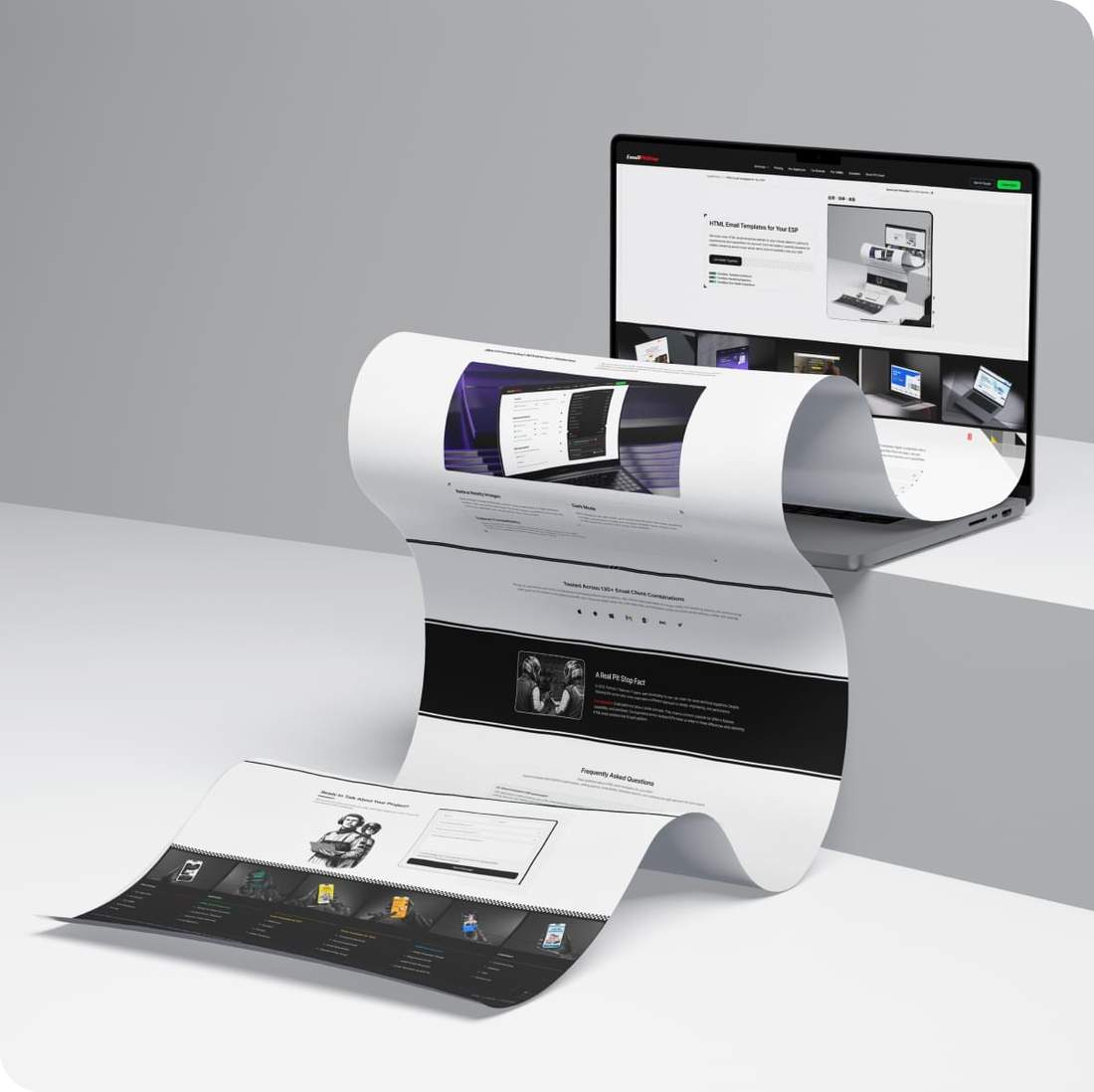


Our internal HTML/CSS coding standards make email templates highly compatible with a wide range of ESPs. When your preferred platform is specified from the start, we can optimize the template further to make the most of its supported features and capabilities.


Every ESP has its own capabilities and limitations. HTML email templates built with these in mind work smoothly within your chosen platform, helping you get the most out of its available features.
Editing options vary across ESPs. Some require direct HTML changes, while others support content updates or reusable modules. The best approach depends on your platform’s capabilities and your team’s needs.
Your ESP should support your business goals, not complicate your workflow.
We handle the technical side of email development so your team can focus on creating campaigns and reaching your audience.
From complex HTML email development to preparing templates for new campaigns, replacing content, or making small adjustments, we handle tasks of all sizes to save your team time and effort.
Yes. We can build your HTML email template with Mailchimp’s advanced editing capabilities at no additional cost. Beyond updating text, images, and links, you’ll be able to duplicate, rearrange, and remove content sections directly in the editor, giving your team greater flexibility to create new campaigns without modifying the HTML code.
We build HubSpot email templates using HubL, allowing you to edit text, images, and links directly in HubSpot. For more advanced needs, we also develop modular templates that let you build campaigns by combining and rearranging content modules.
We build templates with your ESP’s editing options in mind. The editing process may look different from the standard drag‑and‑drop builder, but you’ll still be able to manage your content using the features supported by your platform. Some ESPs also require editing directly in HTML.

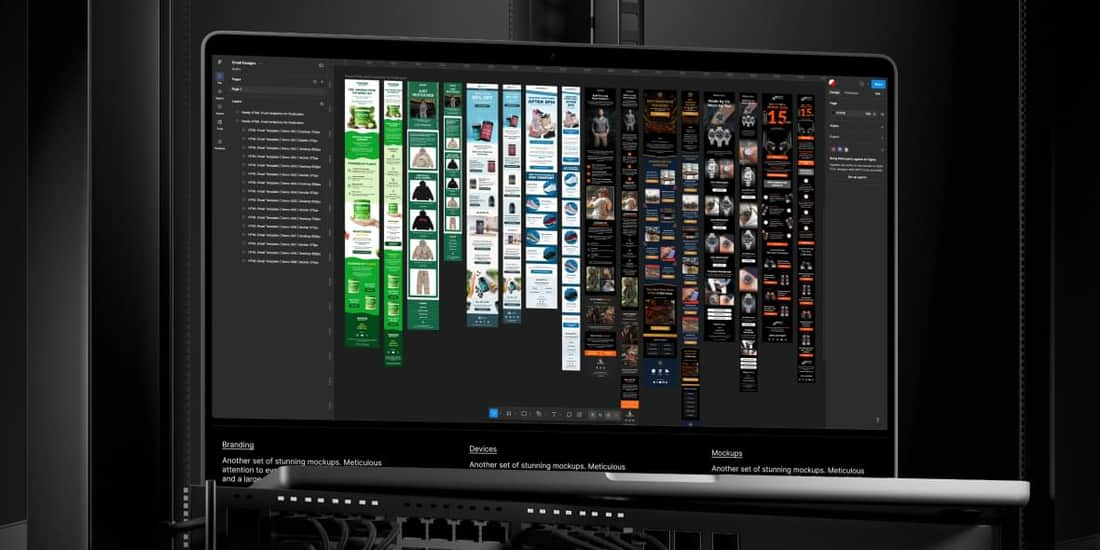
Find an independent Email Design Partner featured on EmailPitStop. Work directly with the designer on project details and pricing. Once your design is ready, we handle HTML development and QA.
Get more from your HTML email template with Advanced Setup, a recommended package of technical enhancements designed to improve visual quality, readability, and rendering consistency across email clients.
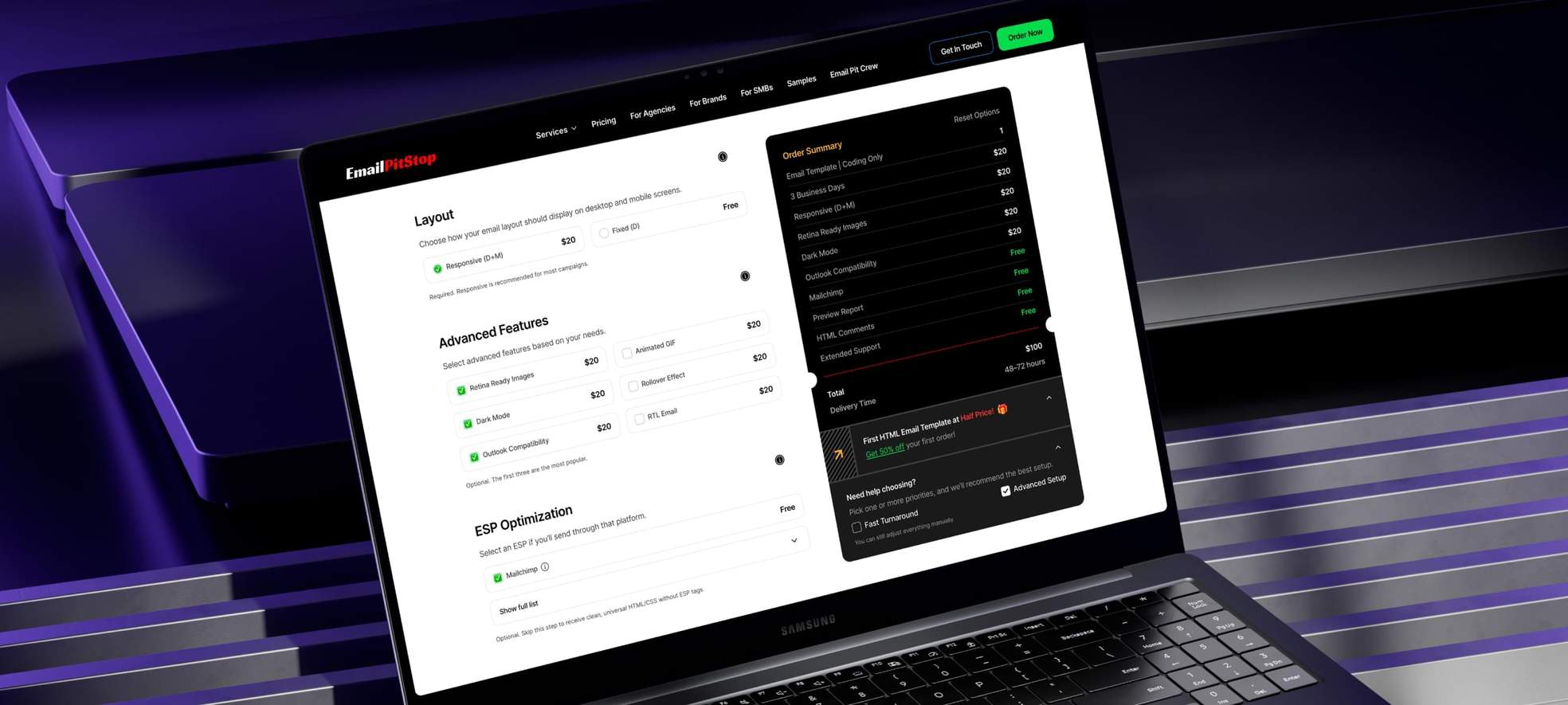
Retina Ready Images keep logos, photos, and visuals sharp on high-resolution screens. We use proven techniques for email images, so graphics stay crisp, file sizes stay optimized, and visuals remain clear when scaled.
Many recipients use dark mode, so it’s worth optimizing for. We review rendering and apply adjustments to keep your template readable. Some variation may remain depending on how each email client handles it.
Outlook has its own rendering quirks, especially in legacy versions. We apply Outlook-specific coding techniques and fine-tune spacing, alignment, and layout to keep your template consistent across Outlook clients.
We test on real devices and using a professional email testing platform before delivery. We validate responsive behavior, image scaling, font rendering, spacing, and common email client quirks in the inboxes your audience actually uses. Issues are caught early, the code stays clean, and templates remain consistent across desktop, mobile, and webmail.


In 2026, Formula 1 features 11 teams, each developing its own car under the same technical regulations. Despite following the same rules, every team takes a different approach to design, engineering, and performance.
Our Approach: Email platforms follow a similar principle. They share a common purpose but differ in features, capabilities, and workflows. Our experience across multiple ESPs helps us adapt to these differences while delivering HTML email solutions that fit each platform.
Have questions about HTML email templates for your ESP?
Explore answers about platform optimization, editing options, compatibility, template imports, and choosing the right approach for your project.
ESP optimization means building your HTML email template around your chosen platform’s requirements. This includes preparing the code for import, supporting available editing features, and making adjustments to help the template work reliably within your ESP.
We prefer hand‑coded HTML email development over standard ESP builders, as it gives us greater control over design accuracy, code quality, and rendering across email clients. The finished template is prepared for use within your chosen ESP.
Yes. Our experience with a wide range of email platforms allows us to work with ESPs beyond those listed. Just let us know which platform you use, and we’ll review its requirements and available options to find the best approach.
Absolutely. ESP optimization is optional. You can order a standard hand‑coded HTML email template built using our established HTML/CSS coding standards, without targeting a specific platform. The template can be used with ESPs that support custom HTML, subject to their individual requirements.
Yes. We can import the finished HTML email template into your ESP. This helps ensure everything is ready for your team to start working with the template. Temporary account access may be required. Template Import is free when included with your order.
Tell us what you have and what you need. We'll help shape your order so you can move forward with confidence.


