





QA is built into our process to ensure reliable rendering across email clients.
Email Template Audit Services

Do not let bugs or fragile code weaken email performance. Share your template for a free audit and get an expert review before your next send. If we uncover critical issues, we will point them out clearly and recommend the best path forward.
-
Dedicated QA

-
Expert Support

-
Free Consultations


- 品質
- 効率
- 成長
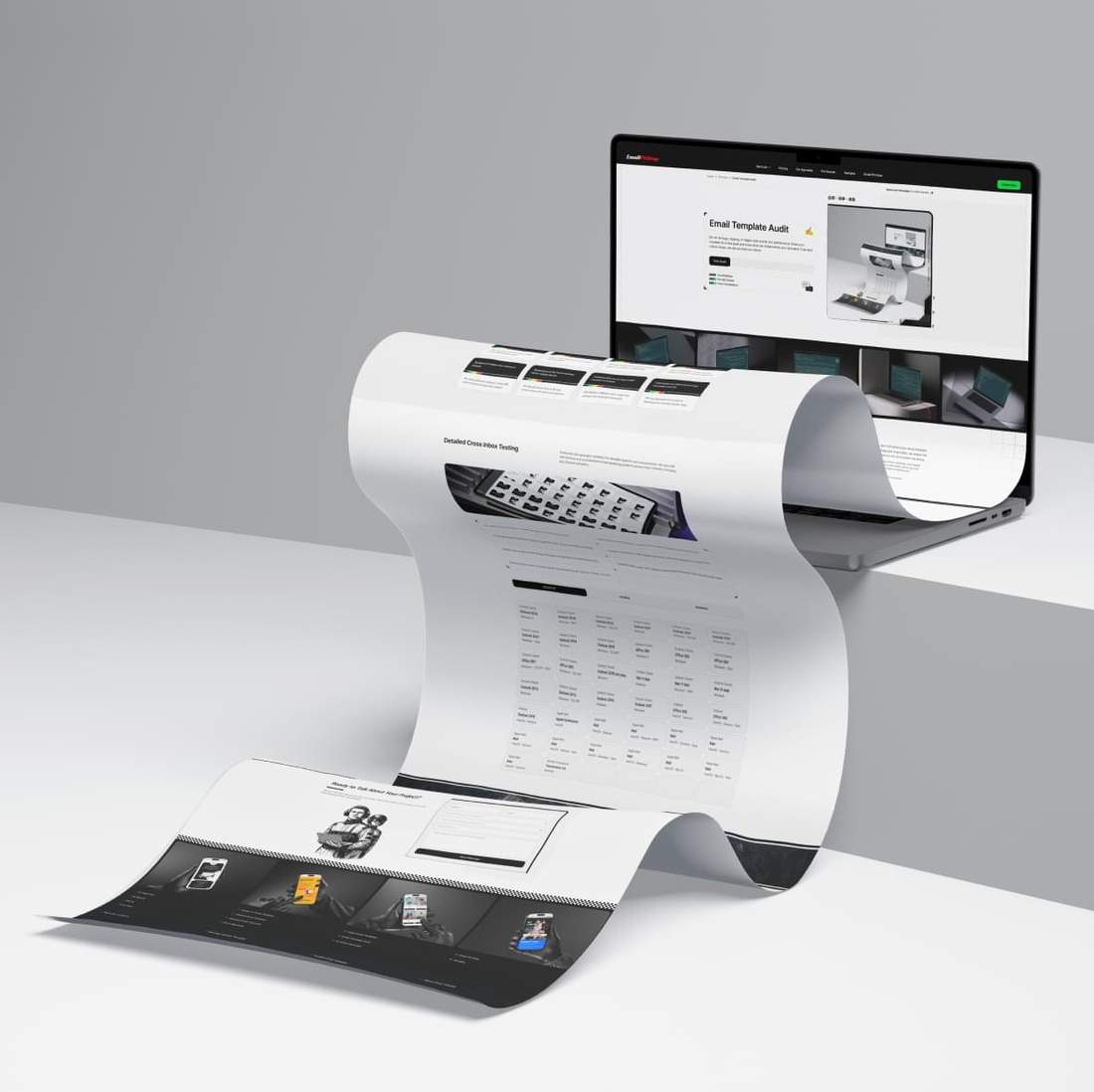
Hand-Coded ・ Pixel-Perfect ・ On-Time Delivery


How the Audit Works
Take advantage of our technical audit focused on the HTML and CSS behind your email template. Whether it is hand-coded or built in your ESP, we review the structure and flag issues that can lead to broken layouts, clipping, and inconsistent rendering.
We test across real inboxes and devices, including Gmail, Outlook, and Apple Mail on desktop, tablet, and mobile. This helps catch issues that often appear only after sending, from spacing glitches and image scaling to dark mode conflicts and accessibility gaps.
Make sure your email template is not the weak link in your email marketing. Our audit helps uncover issues that can affect rendering, readability, and overall campaign quality before they impact a live send.

-
01
Start
Share your email template and tell us how you send it and which email clients matter most to you. If anything is unclear, we ask a few quick questions before the audit begins.
-
02
Audit
We inspect the HTML and CSS, then review the template in the inboxes that matter most to identify issues that may affect rendering and overall campaign quality.
-
03
Report
You receive a clear report that ranks findings by severity and explains why they matter. If the template is solid, we confirm it. If critical issues are found, we outline the best fix.
-
Extra
mileRecommended Fix
If the audit uncovers critical issues, we can use your current template as the design reference and rebuild the HTML from scratch to our quality standards.
Rebuild Your Email Template at 50% Off
We rebuild your email HTML from scratch to remove hidden issues and meet our quality standards.
Get 50% off email coding when you rebuild an existing template or order a new one.
Common Email Rendering Issues
Email template coding requires a different approach than web development. Email clients have strict technical limitations and periodically change how they render HTML. Delivering consistent results across major inboxes requires specialized experience. Below are some of the most common rendering issues.
-
Email template renders inconsistently across different email clients
Email-safe HTML and CSS improve client compatibility
-
CSS borders are restricted and may not render correctly
Alternative structures help reproduce the intended border appearance
-
Email template displays poorly on mobile devices
Responsive email coding adapts content for smaller mobile screens
-
In Dark Mode, text and logos become hard to see
Dark Mode fixes help restore readability and logo visibility
-
Email template breaks after content edits or updates
W3C validation helps detect structural HTML issues early
-
Background images don't display in Outlook
Hybrid techniques and VML code help maintain background image support
-
Fonts are replaced or display incorrectly
Web-safe fonts with reliable fallbacks ensure consistent display
-
Buttons and links lose styles or stop working properly
Inline styles and bulletproof coding preserve functionality
-
1px horizontal lines appear within content in Outlook
Technical QA helps identify and remove unwanted lines
-
Animated GIFs do not play in older versions of Outlook
A fallback static image preserves the essential message
-
HTML emails render incorrectly in Outlook: layouts and blocks break
A table-based structure helps keep blocks aligned and stable
-
Email template loads slowly on mobile devices
Image optimization reduces loading time on mobile
Detailed Cross Inbox Testing
Dedicated QA specialist validates the template against your requirements. We test with real devices and a professional email rendering platform across major inboxes, including key Outlook variations.
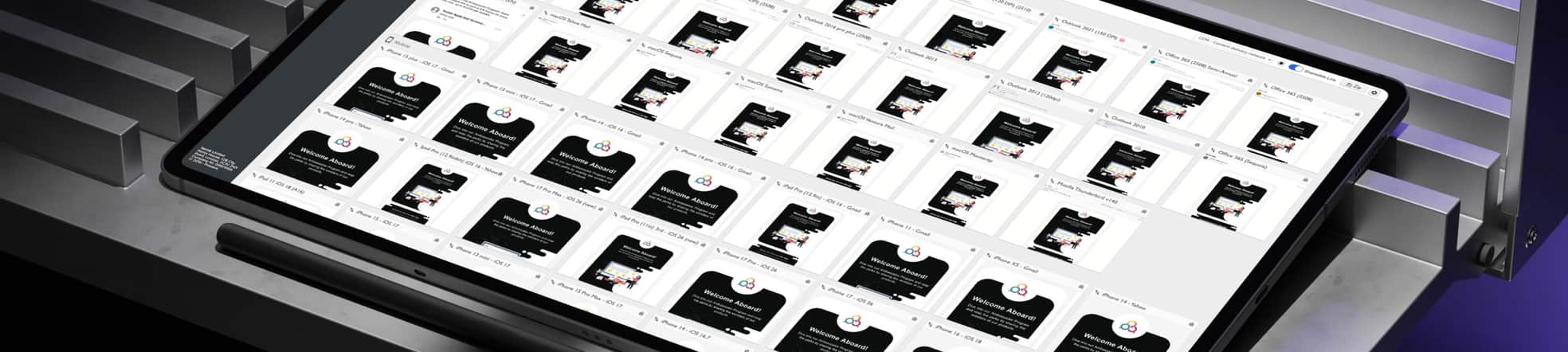
Real device testing helps us review templates as users actually see them.
Mobile testing covers a wide range of inboxes across Android and iOS.
Desktop testing covers Outlook and email apps on Windows and macOS.
Webmail testing covers Gmail, Outlook, Yahoo, AOL, and other webmail clients.
-
Outlook ClassicOutlook 2024Windows 11
-
Outlook ClassicOutlook 2024Windows - Dark
-
Outlook ClassicOutlook 2024Windows - 120 DPI
-
Outlook ClassicOutlook 2021Windows
-
Outlook ClassicOutlook 2021Windows - 120 DPI
-
Outlook ClassicOutlook 2021Windows - 150 DPI
-
Outlook ClassicOutlook 2021Windows - Dark
-
Outlook ClassicOutlook 2019Windows
-
Outlook ClassicOutlook 2019Windows - 120 DPI
-
Outlook ClassicOffice 365Windows 11
-
Outlook ClassicOffice 365Windows
-
Outlook ClassicOffice 365Windows - Dark
-
Outlook ClassicOffice 365Windows - 120 DPI - Dark
-
Outlook ClassicOffice 365Windows - 120 DPI
-
Outlook ClassicOutlook 2016 pro plusWindows
-
Outlook ClassicWin 11 MailWindows
-
Outlook ClassicWin 11 MailWindows - Dark
-
Outlook ClassicWin 10 MailWindows
-
Outlook ClassicOutlook 2013Windows
-
Outlook ClassicOutlook 2013Windows - 120 DPI
-
Outlook ClassicOutlook 2010Windows
-
Outlook ClassicOutlook 2007Windows
-
OutlookOffice 365macOS - Ventura
-
OutlookOffice 365macOS - Ventura - Dark
-
OutlookOutlook 2016macOS - Ventura
-
Apple MailApple SummarizemacOS
-
Apple MailMailmacOS - Sequoia
-
Apple MailMailmacOS - Sequoia - Dark
-
Apple MailMailmacOS - Sonoma - Dark
-
Apple MailMailmacOS - Sonoma
-
Apple MailMailmacOS - Ventura
-
Apple MailMailmacOS - Ventura - Dark
-
Apple MailMailmacOS - Monterey - Dark
-
Apple MailMailmacOS - Monterey
-
Apple MailMailmacOS - Big Sur
-
Apple MailMailmacOS - Big Sur - Dark
-
Mozilla ThunderbirdThunderbird v140Windows - Dark
-
Mozilla ThunderbirdThunderbird v140Windows
-
Mozilla ThunderbirdThunderbird 115Windows
-
Apple Mail AppiPhone 16iOS 18
-
Apple Mail AppiPhone 16 PlusiOS 18
-
Apple Mail AppiPhone 16 Pro MaxiOS 18 - Dark
-
Apple Mail AppiPad 11iOS 18
-
Apple Mail AppiPhone 15iOS 17
-
Apple Mail AppiPhone 13 miniiOS 17
-
Apple Mail AppiPhone 15 ProiOS 17 - Dark
-
Apple Mail AppiPhone 15 Pro MaxiOS 17
-
Apple Mail AppiPhone 14iOS 16
-
Apple Mail AppiPhone 14iOS 16 - Dark
-
Apple Mail AppiPhone 14 PlusiOS 16
-
Apple Mail AppiPhone 14 Pro MaxiOS 16
-
Apple Mail AppiPhone 13 Pro MaxiOS 15
-
Apple Mail AppiPhone 13iOS 15
-
Apple Mail AppiPad Pro 12.9-iniOS 15
-
Apple Mail AppiPad Air (4th gen)iOS 15
-
Apple Mail AppiPhone 12 Pro MaxiOS 14
-
Apple Mail AppiPhone 12 ProiOS 14
-
Apple Mail AppiPhone 12 miniiOS 14
-
Apple Mail AppiPhone XRiOS 14
-
Apple Mail AppiPhone 11 Pro MaxiOS 13
-
Apple Mail AppiPhone 11 ProiOS 13
-
Apple Mail AppiPhone 11iOS 13
-
Apple Mail AppiPad miniiOS 13
-
Apple Mail AppiPad Air 3iOS 13
-
Apple Mail AppiPhone XS MaxiOS 13
-
Apple Mail AppiPhone XSiOS 13
-
Apple Mail AppiPad Pro 10.5-iniOS 13
-
Apple Mail AppiPad Pro 12.9-iniOS 13
-
Apple Mail AppiPhone 8iOS 13
-
Apple Mail AppiPhone 7iOS 11
-
Apple Mail AppiPhone 7 PlusiOS 11
-
Apple Mail AppiPhone 6iOS 11
-
Gmail AppiPhone 12 PlusiOS 15
-
Gmail AppiPhone 12 miniiOS 15
-
Gmail AppiPhone 14iOS 16
-
Gmail AppiPhone 14 PlusiOS - Dark
-
Gmail AppiPhone 14 ProiOS
-
Gmail AppiPad Pro 12.9-iniOS
-
Gmail AppiPhone 11iOS 13
-
Gmail AppiPhone XSiOS 13
-
Outlook AppiPhone 14iOS
-
Outlook AppiPhone 14 PlusiOS - Dark
-
Outlook AppiPhone 11iOS
-
Outlook AppiPhone 8iOS - Dark
-
Yahoo AppiPhone 14iOS 16
-
Yahoo AppiPhone 14 ProiOS - Dark
-
Yahoo AppiPhone 14 PlusiOS - Dark
-
Yahoo AppiPad Pro 12.9-iniOS
-
Gmail AppAndroid 14Android - Pixel 7 Pro
-
Gmail AppAndroid 14Android - Pixel 8
-
Gmail AppAndroid 13Android - Pixel 6
-
Gmail AppAndroid 13Android
-
Gmail AppAndroid 13Android - Dark
-
Gmail AppAndroid 12Android - Dark
-
Gmail AppAndroid 12Android
-
Gmail AppAndroid 11Android
-
Gmail AppAndroid 11Android - Pixel 4
-
Gmail AppAndroid 11Android - Pixel 4 XL
-
Gmail AppAndroid 10Android
-
Gmail AppAndroid 10Android - Dark
-
Gmail AppAndroid 9Android
-
Gmail AppAndroid 7Android
-
Gmail AppAndroid 6Android - Mail imap
-
Outlook AppAndroid 13Android - Pixel 6
-
Outlook AppAndroid 11Android
-
Outlook AppAndroid 11Android - Dark
-
Yahoo AppAndroid 13Android - Pixel 6
-
Yahoo AppAndroid 14Android - Pixel 7 Pro - Dark
-
GmailChromeBrowser
-
GmailFirefoxBrowser
-
GmailSafariBrowser
-
GmailG SuiteBrowser
-
GmailEdgeBrowser
-
Outlook.comChromeBrowser
-
Outlook.comFirefoxBrowser
-
Outlook.comSafariBrowser
-
Outlook.comChromeBrowser - Dark
-
Outlook.comEdgeBrowser
-
Outlook.comOffice 365Browser
-
YahooChromeBrowser
-
YahooEdge DBrowser
-
YahooFirefoxBrowser
-
YahooSafariBrowser
-
AOL MailChromeBrowser
-
AOL MailFirefoxBrowser
-
T-online.deChromeBrowser
-
T-online.deFirefoxBrowser
-
Web.deFirefoxBrowser
-
GMX.deChromeBrowser
-
Freenet.deChromeBrowser
-
Proton MailChromeBrowser
-
RoundcubeChromeBrowser

Frequently Asked Questions
Have questions before requesting a free email template audit?
Browse the FAQ for clear answers on HTML and CSS review, inbox testing, rendering issues, audit feedback, critical fixes, and what to do if your template needs a rebuild.
What will you check in my free email template audit?
Our free email template audit helps you understand whether your current template is reliable enough to use. We review the HTML, CSS, and key inbox behavior to catch issues that could affect layout, mobile display, Outlook rendering, or readability. You get clear feedback on what looks good, what may cause problems, and what to do next.
What email template issues can your audit help find?
The audit helps find problems that affect how your email looks or works, including broken layouts, Outlook rendering issues, mobile display problems, Dark Mode conflicts, image scaling, slow loading, or code that may break after edits. You will see the weak spots clearly, so you know whether the template is reliable or needs fixing.
Do you test the template in real inboxes during the audit?
Yes. We review the template in key inbox environments using real devices and a professional email testing platform. This helps us see how it behaves across desktop, mobile, webmail, and key clients like Gmail, Outlook, and Apple Mail. The goal is to catch rendering issues that may not be visible in a browser preview or inside your ESP.
What feedback will I receive after the audit?
You receive clear feedback from one of our email developers on the condition of your email template. We highlight the main issues, explain why they matter, and suggest the best next step. If the template looks solid, we will confirm that too, so you can move forward with more confidence.
What happens if the audit finds critical issues in my template?
If we find critical issues, we explain them clearly and recommend the best next step. In some cases, a few small fixes may be enough. If the template is too fragile, we can rebuild the HTML from scratch using your current design as the reference. You can use 50% off email coding if you decide to rebuild it with us.
Ready to Talk About Your Project?
Tell us what you have and what you need. We'll help shape your order so you can move forward with confidence.

